 Deck the Rooms
Decorate a Christmas tree online
Deck the Rooms is a free game where you trim a Christmas tree in a cozy 3D room. Pick the tree, string the lights, hang the ornaments and put the star on top. There is nothing to download and you do not have to sign in.
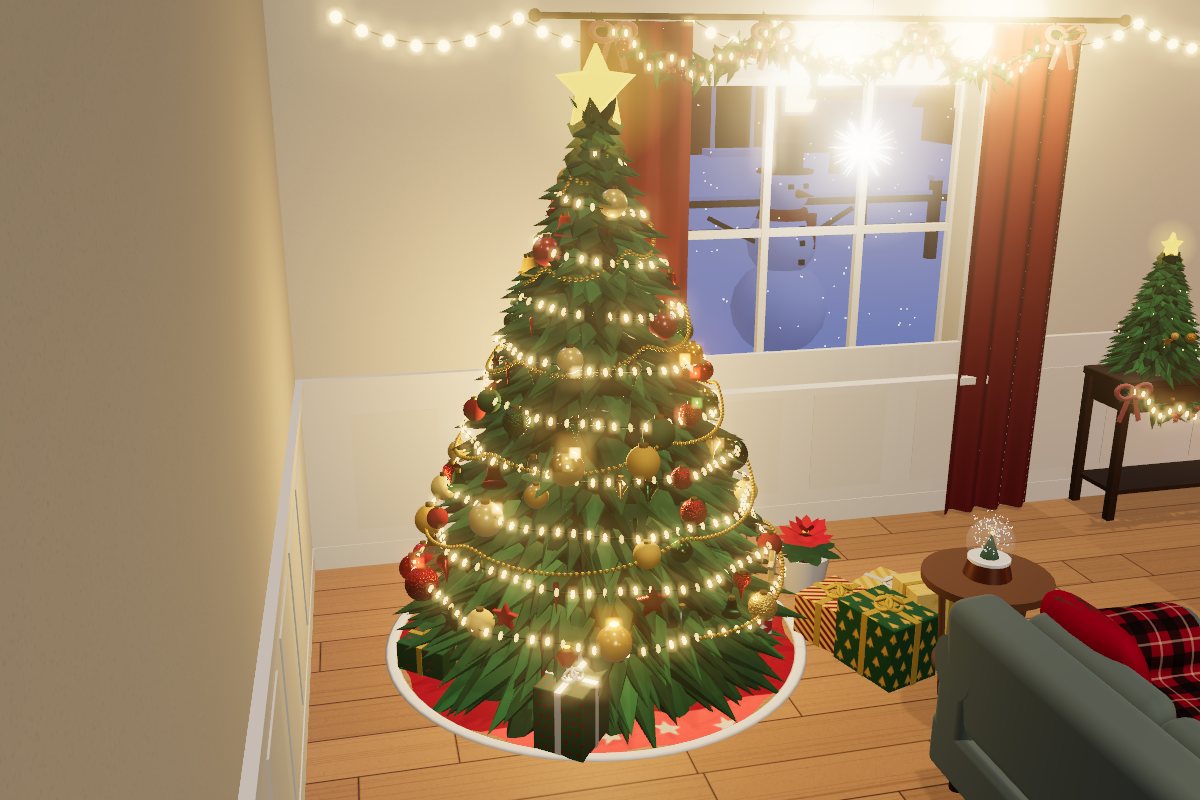
How to trim your tree
Start from the button above and the game opens on a living room that is already decorated for Christmas, with a tree waiting for you. You can change every part of it.
- Select the tree. Click it, or tap it on a phone or tablet. A gold outline appears around it and a panel of choices opens. On a phone, tap Edit in the little bar above the tree.
- Choose the kind of tree. There are eight: Fraser fir, blue spruce, long-needle pine, snow flocked, white, silver tinsel, blush pink and midnight black. Two sliders set how tall and how full it is.
- String the lights. Slide “Number of bulbs” anywhere from none to 900, pick their colors, and choose whether they stay steady, twinkle, chase, fade slowly, sparkle or roll through a wave of color.
- Add the ornaments. Choose how many, up to 260, and a set of colors such as classic red and gold, Nordic white and wood, candy cane, or frosted ice. You can also pick three colors of your own. Then choose the shapes: classic baubles, mixed shapes, vintage glass, whimsical or frosty.
- Finish with a garland and a topper. Wind on beads, tinsel, ribbon, or popcorn and cranberries. Top the tree with a star, a starburst, a snowflake, a bow or a glass finial.
- Dress the base. Stand the tree on a skirt, in a woven collar, a galvanized bucket or a planter pot, or on a plain iron stand.
Hang every ornament yourself
If you would rather place each ornament by hand, the way you do at home, find “Hang ornaments by hand” in the tree’s panel and press Start. Choose an ornament and click the tree wherever you want it to go. Hold Shift and click to take one off again. Press “Done hanging” when you have finished.
Turn the room as you go, so that the back of the tree gets its share. Hold the mouse button down on an empty part of the picture and drag, or use one finger on a phone or tablet.
Then decorate the room around it
A tree looks best in a room that is dressed to match. Hang stockings on the mantel, put a wreath on the door, pile presents underneath and string lights along the walls. The catalog in the Add tab has all of it.
In a hurry? Open the Quick tab, pick a room and a style, choose how festive you want it and press “Decorate for me”. There are nine Christmas styles, from Classic Red & Gold and Nordic Hygge to Candy Cane Lane, Rustic Cabin and Winter Wonderland. The whole room, tree included, changes to match, and you can still change anything afterwards.
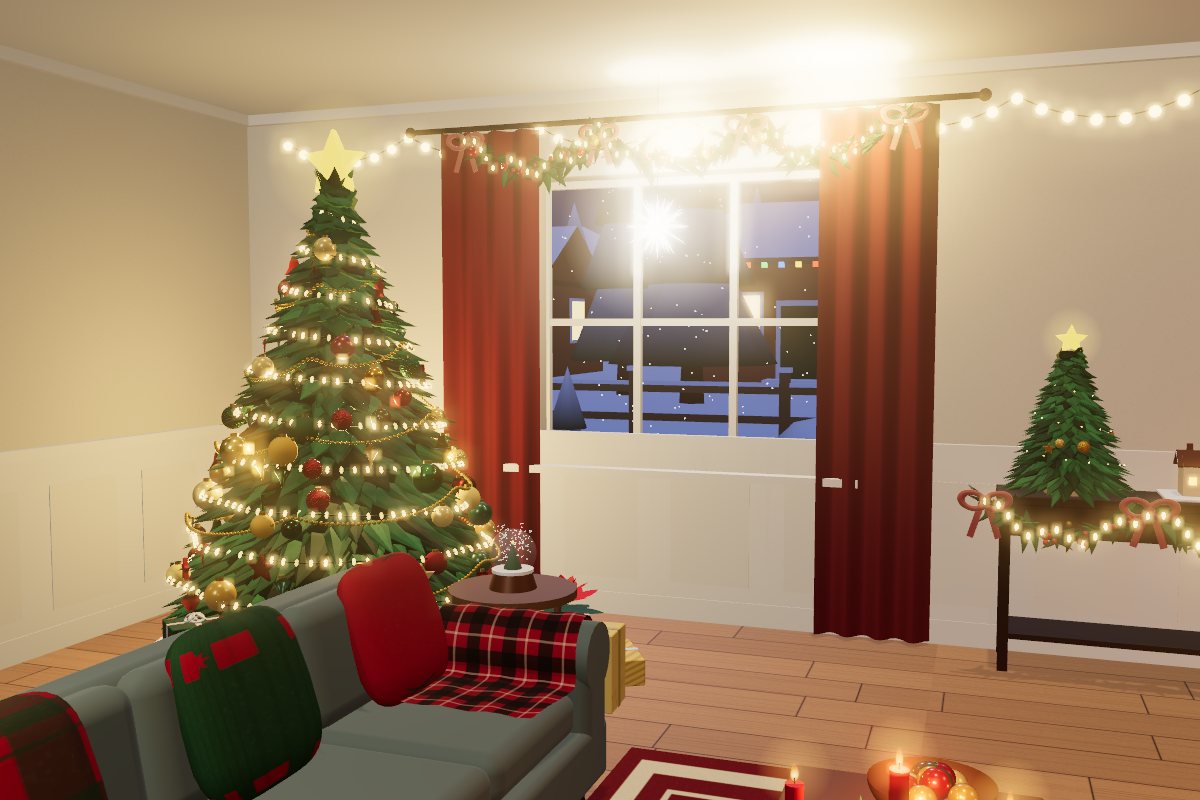
Show somebody your tree
- Save a picture. Turn the room to the angle you like and press Photo.
- Make a card. Press Share, then “Make a card”, and your room becomes a Christmas card with your own greeting on it. The card page explains how.
- Send a link. Press Share and copy the link. Whoever opens it can walk around your room in three dimensions.
For advice that works on a real tree too, such as how many lights a tree needs and where the big ornaments should go, see the decorating ideas page.
Questions people ask
Is it really free?
Yes. The whole game is free to play, including every tree, light and ornament on this page. There is an optional Plus membership for players who would like a few extras, but nothing here needs it.
Do I have to download anything or sign in?
No. The game runs in your web browser and you can start decorating straight away. Signing in is only for people who want their house kept on an account so that it follows them from one device to another.
Does it work on a phone or a tablet?
Yes. It works on a computer, a tablet or a phone with a fairly recent web browser. On an iPhone or iPad you need iOS 16.4 or later.
Can I hang the ornaments one at a time?
Yes. Select the tree, find “Hang ornaments by hand” and press Start. Each click hangs one ornament exactly where you clicked.
Will my tree still be there tomorrow?
Yes. The game saves your room in your browser as you go, so it is there when you come back on the same device. You can also give a room a name and save it, and keep up to thirty saved rooms.
Can I decorate a tree when it is not Christmas?
Yes. The trees and decorations are in the catalog all year. The game also decorates for Thanksgiving, Easter, Halloween and the other seasons, and ornaments come in colors for those too.
More to do
- Make a Christmas cardTurn your room into a card to send or print.
- Decorate a room for any seasonEight rooms, eighteen styles and a whole house to fill.
- Decorating ideasThe tricks decorators use, to try in the game or at home.
Your tree is waiting.
Play Deck the Rooms