 Deck the Rooms
Make a free Christmas card online
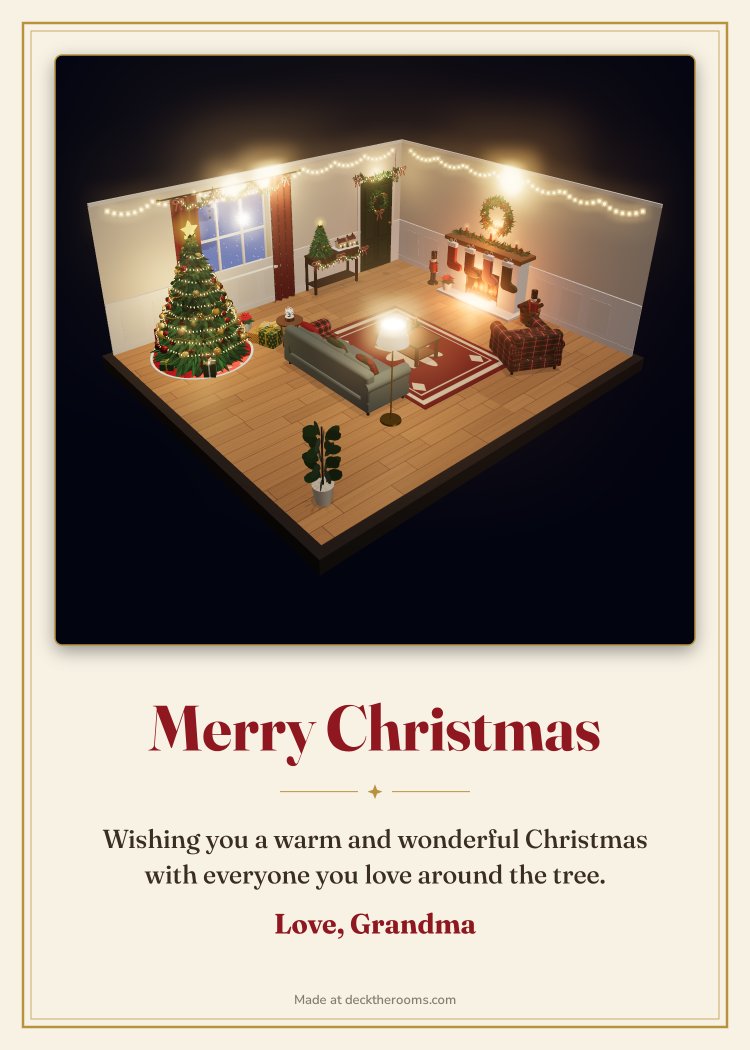
In Deck the Rooms you decorate a room for Christmas, and the game turns it into a greeting card with your own words on it. Save the card as a picture, send it, or print it as a 5 x 7 card. It is free, and there is nothing to download.
What kind of card it makes
The picture on the card is a room that you decorate in the game: a tree, a fireplace, stockings, lights, whatever you choose. It is not a card for your own photographs. Under the picture go a greeting, a few words of your own and your name.
How to make your card
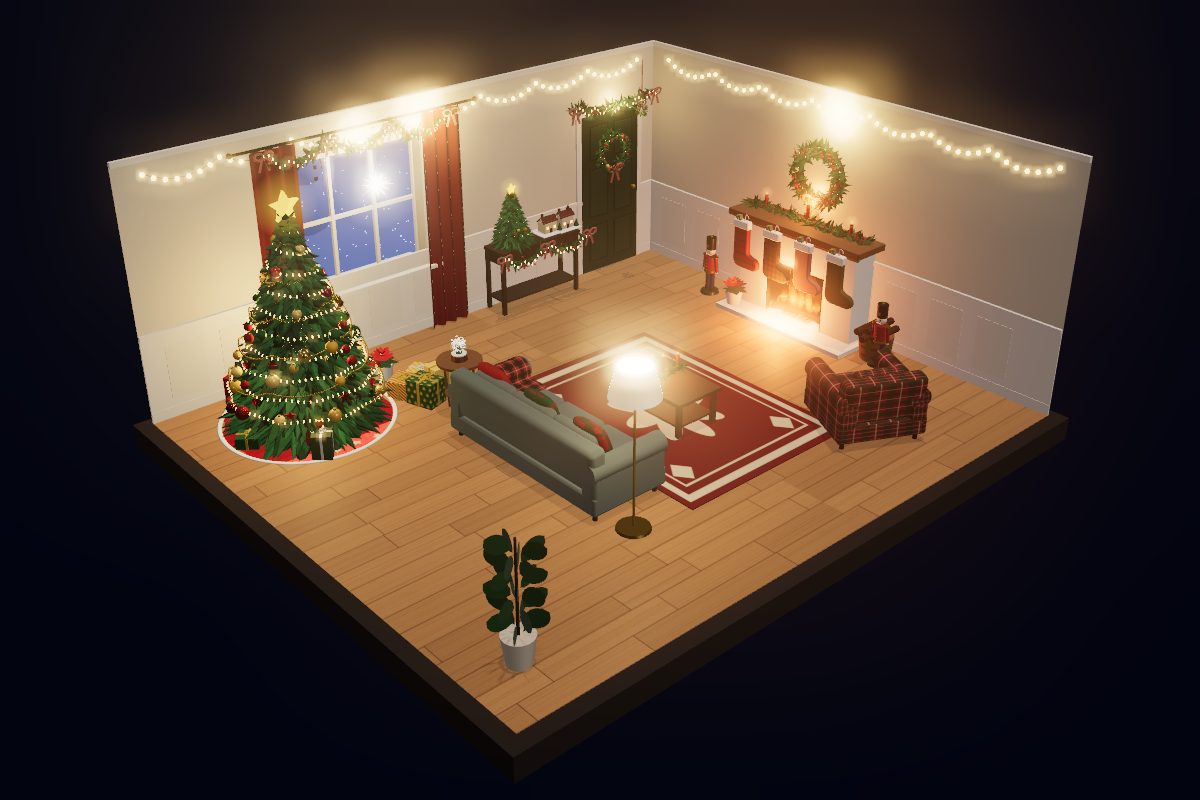
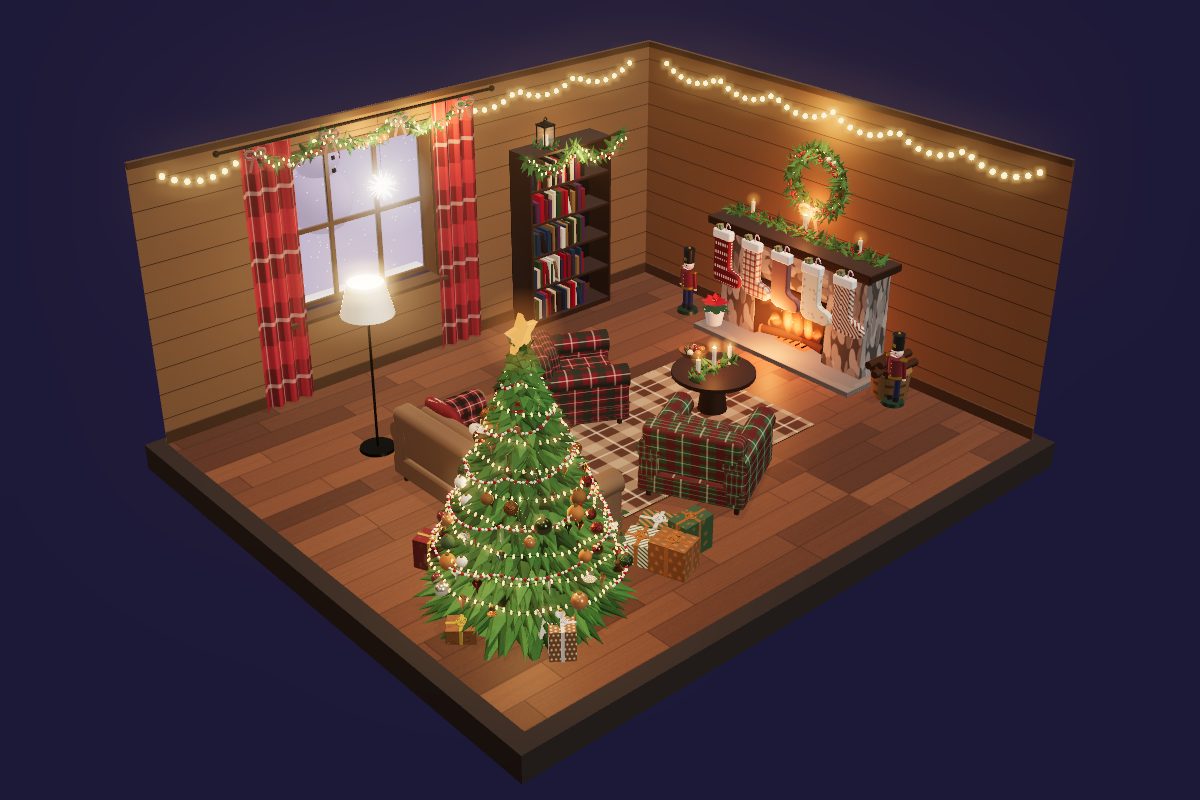
- Decorate a room. The game opens on a living room that is already decorated. Change it as much or as little as you like. For a quick start, open the Quick tab, pick a room and a style, choose how festive you want it and press “Decorate for me”.
- Choose the view. Turn the room until you like what you see. The card shows the room just as it is on your screen. Press the moon button if you want the lights glowing in the dark.
- Press Share, then “Make a card”. The card appears with your room on it.
- Pick a greeting. Choose Merry Christmas, Happy Holidays, Season’s Greetings or Merry and Bright, or type a greeting of your own. The ready-made greetings follow the season, so at other times of year you will see different ones.
- Add your words. Write a short message if you like, and sign it. “Love, Grandma” fits nicely.
- Choose the card color. There are four: Cream, Evergreen, Berry and Midnight.
- Save it, send it or print it. On a computer, press “Save card” to keep it as a picture, or “Print” to print it. Some browsers also show “Send”, which passes the card to your mail or messages. On a phone or tablet, press “Save or send”.
Printing and sending
To print: the card is sized for 5 x 7 inches. Heavy paper or card stock gives the nicest result, and a 5 x 7 photo print from a pharmacy or a photo shop works well too. Save the card as a picture first if you want to have it printed somewhere else.
To send: a saved card is an ordinary picture. Attach it to an email, send it in a text message or post it wherever you share photos.
You can also send the room itself. Press Share and copy the link, and whoever opens it can walk around your room in three dimensions.
Cards for the rest of the year
The game decorates for every season, so the cards do not stop at Christmas. There are greetings for Thanksgiving, New Year, Valentine’s Day, Easter, the Fourth of July and Halloween, and others that suit any day: Happy Birthday, Thank You, Get Well Soon, Thinking of You and With Love.
Questions people ask
Is the card maker free?
Yes. Making, saving, sending and printing cards is free, with four card colors and all the greetings listed above. Plus, an optional membership, adds six more papers and extra greetings.
Can I put my own photo on the card?
No. The picture is always a room you have decorated in the game. That is what makes the card your own.
Is there anything printed on the card besides my words?
A small line at the bottom says “Made at decktherooms.com”. Plus members can leave it off.
What size does the card print?
5 x 7 inches, upright.
Do I have to sign in or give an email address?
No. You can decorate a room and make a card without signing in.
Can I write my own greeting?
Yes. Type anything you like in place of the ready-made greetings, and add a message and a name underneath.
More to do
- Decorate a Christmas treePick the tree, string the lights and hang every ornament.
- Decorate a room for any seasonEight rooms, eighteen styles and a whole house to fill.
- How to playEvery part of the game, one step at a time.
Your card starts with a room.
Play Deck the Rooms